


 Global Offices


Best Office Workstations for Different Job Roles
Choosing office workstations is not only a matter of filling floor space. A generic, one-size-fits-all approach to office furniture can limit efficiency, weaken comfort, and make it harder to support employees over the long term.
Each role brings a different rhythm of focus, communication, confidentiality, and equipment use. Differences in space requirements, privacy needs, and collaboration patterns mean that modern workstations for office environments should be planned around specific job functions.
This guide breaks down the key workstation planning principles by role and matches each scenario with suitable Leadcom solutions.

Executive Leadership
- Core Requirements
C-suite executives and senior leaders typically work from private offices. Their daily work often involves strategic planning, physical document review, confidential calls, and spontaneous discussions with clients or stakeholders.
Office workstations should also reflect the company’s management image, with generous proportions, refined finishes, and dependable structural stability.
- The Leadcom Solution
The NOVA Top Management Desk #16 is designed to meet these executive demands.
- Its thickened, expansive main desktop provides the substantial surface area needed for multi-document reviews while reinforcing a strong executive presence.
- It features an integrated storage section with secure, lockable drawers for sensitive files.
- Additionally, a concealed cable management system helps reduce visual clutter, ensuring the workspace remains cleanand

Middle Managers and Department Heads
- Core Requirements
Project managers and team leads act as the bridge between executive strategy and day-to-day execution. Their office workstations need more capacity than standard staff desks because these roles usually involve approvals, reports, and project files. At the same time, the workstation should not feel isolated from the team.
- The Leadcom Solution
For department heads who need both personal efficiency and quick communication, the HARRIS Executive Table LS-418LTA provides a practical balance between individual workspace and team accessibility. Its executive format gives managers a larger and more professional working area, while the sturdy tabletop, aluminum column, and adjustable steel beam reliably support everyday management tasks.

General Staff
- Core Requirements
Sales, operations, marketing, customer service, and administrative teams usually work in open areas where visibility and team rhythm are important. These roles need high space efficiency, consistent departmental appearance, and open office workstations that enable convenient interaction with nearby colleagues.
- The Leadcom Solution
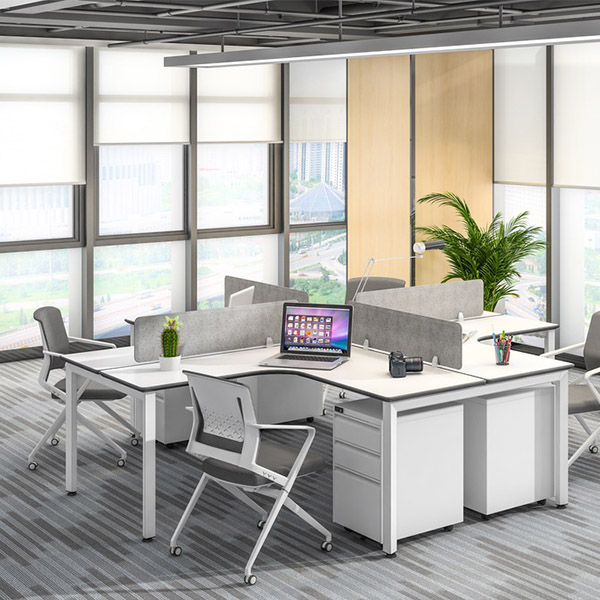
The APOLLO 90° Workstation is a highly versatile and practical solution designed for modern staff zones.
- With 90°, 120°, and 180° benching configurations, it allows companies to organize teams flexibly according to space size, workflow, and department structure while keeping each employee’s individual work area clearly defined.
- The clean under-table structure also helps preserve legroom and visual order on a busy open-plan floor.
Confidential and Focus-Heavy Roles
- Core Requirements
Finance, human resources, legal, and procurement teams often deal with sensitive information, contracts, personnel files, and physical documents. They need clearer personal boundaries than general staff roles, especially when privacy and secure storage are part of daily work. Standard office workstations are often inadequate for these deep-focus functions.
- The Leadcom Solution
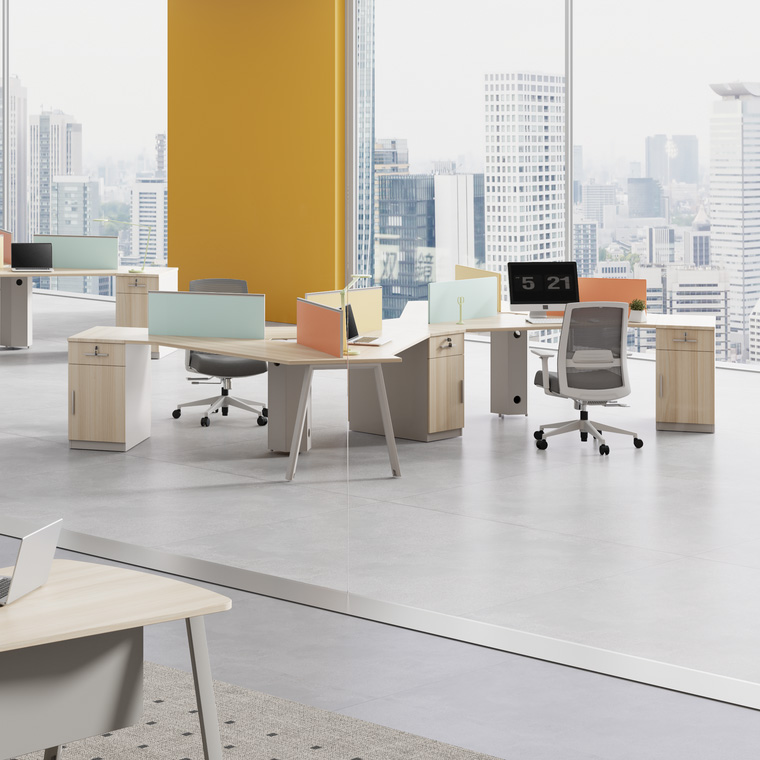
The NOVA 120° Workstation is a strong match for these roles.
- Its angled layout creates a more defined personal zone than a basic straight desk, helping reduce visual distraction in a shared office.
- When specified with elevated acoustic screens, it adds a stronger layer of visual privacy for employees handling confidential materials.
- The storage cabinet provides room for files and work essentials, while locking mechanisms improve document security.
Project Teams, Training, and Flexible Work
- Core Requirements
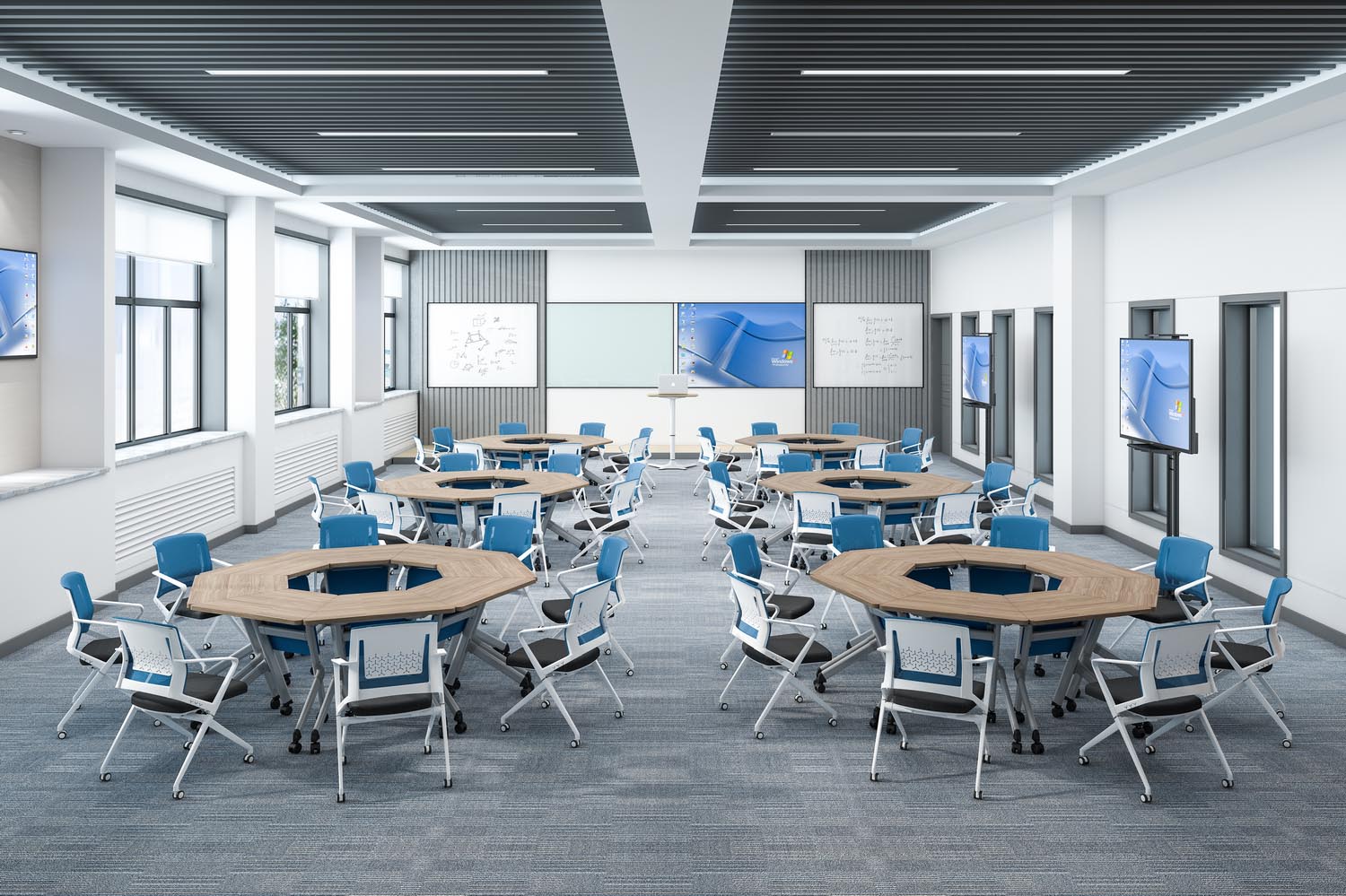
For temporary project teams and training rooms, furniture may need to be moved, folded, raised, or rearranged to accommodate changing spatial layouts.
Therefore, the workstation design should support folding, flipping, easy movement, and nested storage, allowing the room to transition efficiently between individual study, small-group discussions, and collaborative problem-solving before being cleared and restored after each session.
- The Leadcom Solution
- The Clarence LS-424S Flip-top Meeting Tablemakes it easier to store, move, and reset the room for meetings, training sessions, or group workshops. Its space-saving flip-top design and layout-friendly structure make floor-plan reconfiguration more efficient and less labor-intensive, allowing teams to adjust the space quickly for different activities.
- For sit-stand scenarios, the height-adjustable design and castor option of the Eden QF2 workstation deskallow it to serve as an office standing workstation for teams that need both physical mobility and posture flexibility.

Multi-Screen and Equipment-Intensive Roles
- Core Requirements
Designers, engineers, IT teams, data analysts, and monitoring staff often work with multiple screens, desktop hardware, peripherals, and cable-heavy equipment.
Their workstation must provide enough depth for visual comfort, enough strength for devices, and clean cable routes to prevent clutter. Poor planning in these roles can quickly lead to tangled wires, crowded surfaces, and reduced productivity.
- The Leadcom Solution
The ODEON 180° Workstation is well suited to equipment-intensive teams.
- Its broad desktop gives users more room for monitors, devices, and task materials, while the stable aluminum structure and cold-rolled steel beam support demanding daily use.
- The 180-degree face-to-face configuration also works for technical teams that need individual screen focus but still benefit from quick peer communication.
- With properly planned cable routing and workstation accessories, complex hardware cords can be kept more organized and less exposed, allowing technical teams to focus on their work rather than workspace clutter.

Conclusion
The best office workstations are selected according to job roles, not simply by office size or seat count.
By matching each role with the right Leadcom solution, companies can create modular office workstations that improve comfort, support workflow, and make daily office management easier.
Whether you are planning a new workplace or upgrading existing office desks and workstations, Leadcom can help you build a more practical, role-specific workspace.

