


 Global Offices


How to Choose the Right Office Workstations for Your Team?
A Step-by-step Breakdown
The modern office workstations directly impact team efficiency, space costs, and employee experience. At the same time, the needs for space, privacy, and collaboration vary significantly across different roles. Is your team also striving to find balance amid these contradictions? Let’s walk through the purchasing process, step-by-step.

1.Understand Your Workspace Needs
A successful workspace workstation purchase starts with a thorough self-assessment. Before browsing any products, please take time to analyze these three critical dimensions of your own space.
a) Space and Layout:
How Much Usable Space Do You Have?
Determine the exact dimensions of your room or designated area. Precise measurement prevents the costly mistake of furniture that simply doesn’t fit. If you have space layout on hand, please send it to us.


b) Style and Interior Coordination:
What is the Overall Style of Your Office Decor?
Consider the style of your existing or planned office decor, and choose workstations visually support your company’s brand identity and culture.Most of our office workstation desk products aim for a sleek, compemporary look. However, if you want a traditional and classic aesthetic, we have various colors in material finishes to choose from to match with your interior design.
c) Budget Readiness:
Is Your Budget Well-prepared?
A well-defined budget helps you distinguish between essential needs and desirable upgrades, ensuring efficient spending. Remember to factor in not just the upfront purchase price, but also the long-term value in terms of durability, adaptability, and the positive impact on employee comfort and productivity.
2. Precise Profiling – Who Are Your Users?
Choosing the right workstation desk for job roles is about matching the furniture to the employee’s primary tasks, work patterns, and needs for collaboration, focus, and storage. Here’s a clear, role-by-role guide.
Top Management
Ideal Desk: A spacious and luxury L-shaped desk – All wooden or particially metal frame structure.


Executive/Team Lead
Ideal Desk: A spacious L-shaped desk or a large rectangular single desk


Standard Employees
i. Determine Your Layout Configuration – What spatial arrangement best supports your team’s workflow?
Desk Shapes: 90° (standard corner), 120° (gentle collaboration), or 180° (linear) – each single set can be form to groups of 2, 4, 6 or more according to your needs.


Desk Arrangements: Face-to-face (collaborative), back-to-back (space efficient), or single-sided (privacy-focused)
Face-to-face (collaborative)
Single-sided (privacy-focused)

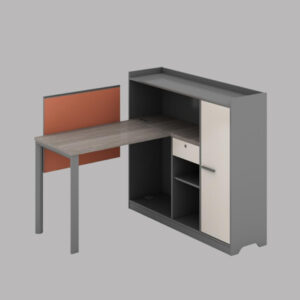
ii. Choose Height Adjustment Type – Do you need height-fixed or height-adjustable workstations?
Height-fixed: Stable, cost-effective solution – most of our workstation desks are 750mm (29.5 inches) high, tipically more solid and wobble-free.
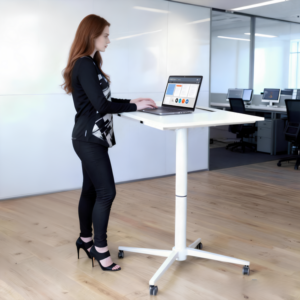
Electric Height-adjustable: Designed to promote better posture, relieve back strain, and reduce the health risks associated with prolonged sitting, our three models offer smooth, motorized adjustment for sit-stand flexibility.
Height-fixed workstation desks are cheaper to purchase, but they may not suit all employees, for a taller person (over 180cm) or a shorter person (under 160cm), a sit-stand workstation desk is a better alternative.
Electric Height-adjustable Workstation (Sit-stand Workstation)


Pneumatic Height-adjustable Workstation (Sit-stand Workstation)
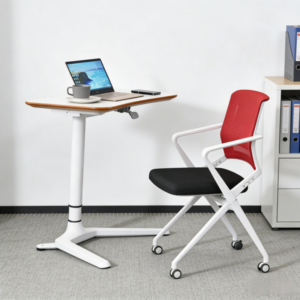


iii. Select Privacy Level – How much visual and acoustic separation do you need?
Open Style: Minimal barriers, maximum collaboration and visibility
Semi-Closed: Mid-height panels or screens that balance privacy and openness


Fully Enclosed: Complete separation (available through custom configurations)
iv. Decide on Mobility Requirements – Does the workstation need to remain stationary or be easily moved?
Stationary: Standard installation, providing the most stable setup. All workstation products mentioned above are stationary.
Mobile with Castors: Our 4 pneumatic height-adjustable models feature lockable wheels, making them ideal for flexible spaces, training areas, or short-term personal use.
v. Select Metal Frame Material – What combination of strength, weight, and aesthetics do you need?
We offer all-steel and aluminum+steel under-structure for workstation desks. You can freely choose between these options based on your budget and preference for material benefits.
Aluminum with Steel: Optimal strength-to-weight ratio, modern aesthetic

All Steel: Maximum durability and stability, traditional industrial look

vi. Plan Your Storage Solution – How will you store your materials and supplies?
Integrated storage maximizes space efficiency, while movable cabinets offer flexibility for changing needs. Consider your departmental requirements – creative teams may need mobile storage for shared resources.
Desks with Integrated Storage Cabinet: Built directly into the workstation structure
Beyond the integrated storage in our workstation range, you can further optimize your workspace by adding mobile pedestals and cabinets. This flexible storage solution offers easy access to daily essentials and frees up desk space.


Experience growth and success as our distributor
3. Accessories – Why do they matter?
Workstation accessories are not just “nice-to-haves” – they are critical components that transform a basic desk into a high-performance, healthy, and sustainable workstation.
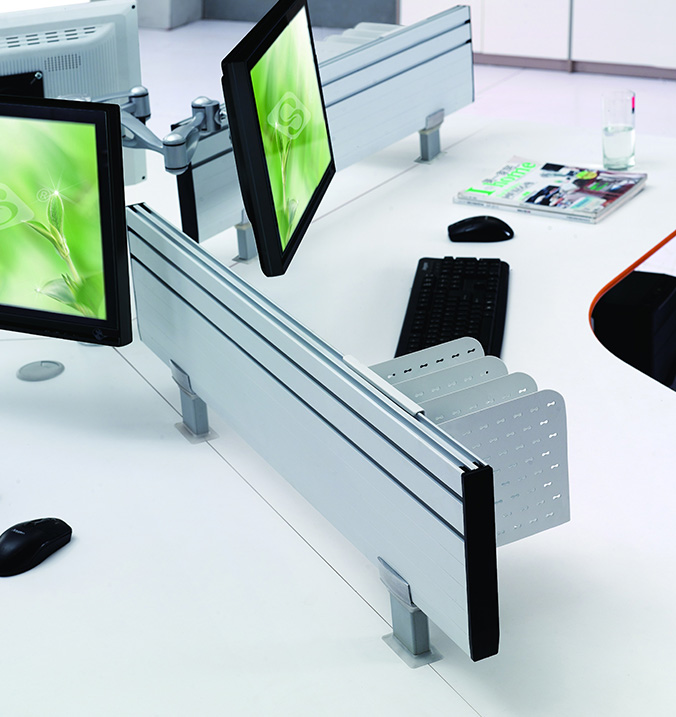
Screen: At Leadcom, we offer desktop-mounted and partition-style installation options to suit different scenario needs.
- Acoustic screen: Noise control, visual privacy, space optimization
- Aluminum screen: Extremely robust, easy to sanitize
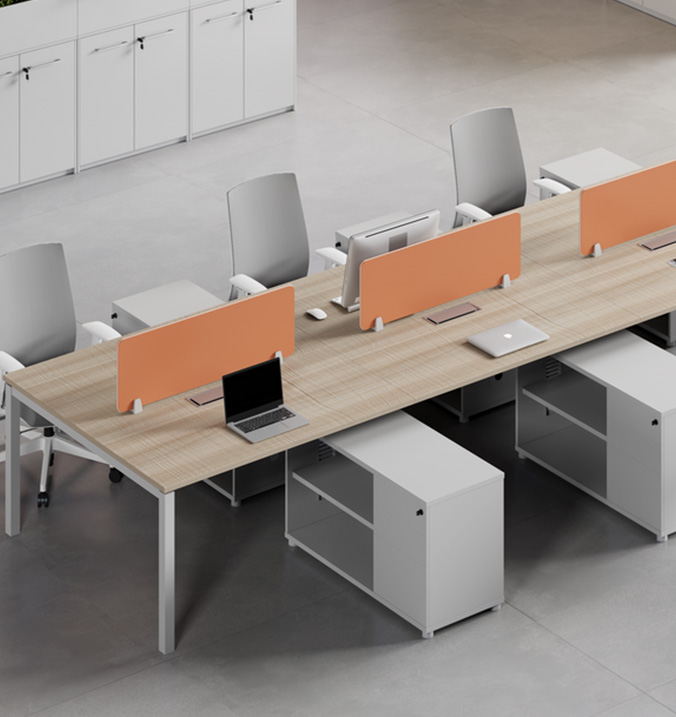


Multi-functional Socket
USB/VGA/ HDMI port included
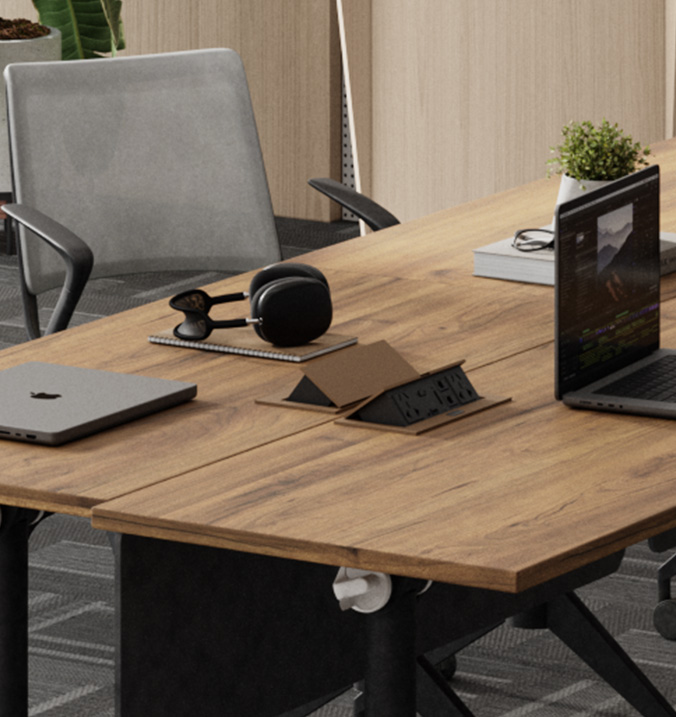
Flip-up Socket
Clean & Organized Look

Cable Tray
Installed Under-desk

Sockets on cabinet
Power outlet on storage
Tabletop Power Outlets:
- Multi-functional socket: USB/VGA/ HDMI port included, 3C, UL and CE certified
- Flip-up socket: Hides cables and outlets when flipped down, eliminating clutter for a tidy workspace. Flush when closed.
Cable Management
Our cable management system includes desktop grommets, under-desk cable trays, and hidden power boxes, allowing all cables to be neatly tucked away out of sight, ensuring an office environment that is clutter-free, safe, and professional.

Cable Management Column
Installed under desk

Cable Management Cover
Available in Delvin Series

Power Access Grommet
Acrylic board
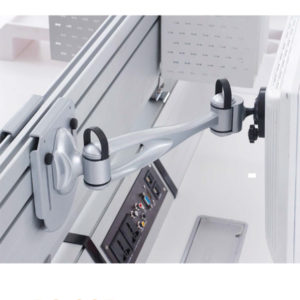

Monitor Arm
Supports full-range free adjustment of screen height, distance, and angle.
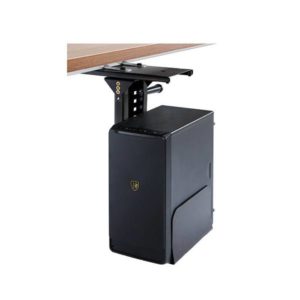
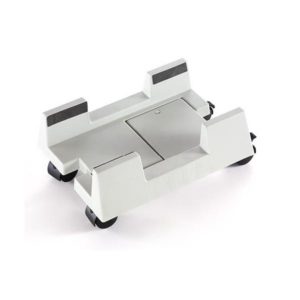
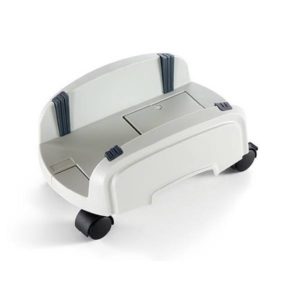
CPU Holder
Installed under-desk, securely holds a computer tower off the floor. It saves valuable floor and desk space, protects the computer from dust, kicks, and accidental spills
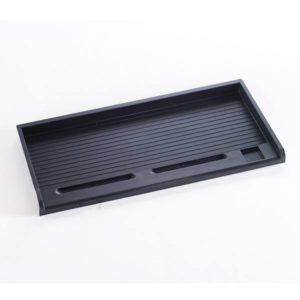
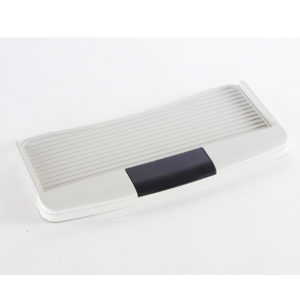
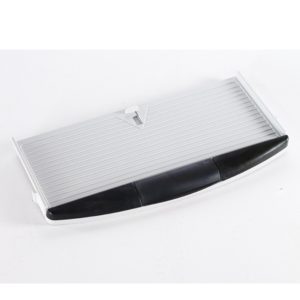
Keyboard Trays
Moves the keyboard and mouse below the desk, opening up a spacious desktop area. Adjustable trays ensure the wrists remain straight while typing, with elbows at a comfortable angle.


4. Office Chairs & Storage – Are they just optional extras?
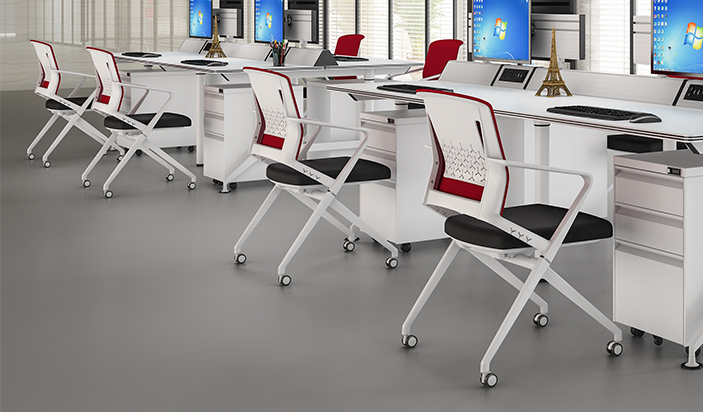
They are fundamental pillars of a complete, functional, and sustainable work environment. We provide 360° swiveling & non-swiveling, height-adjustable & height-fixed office chairs for your workstation desks and training/meeting tables.
5. Workstation Material Finishes – What options Do you Have?
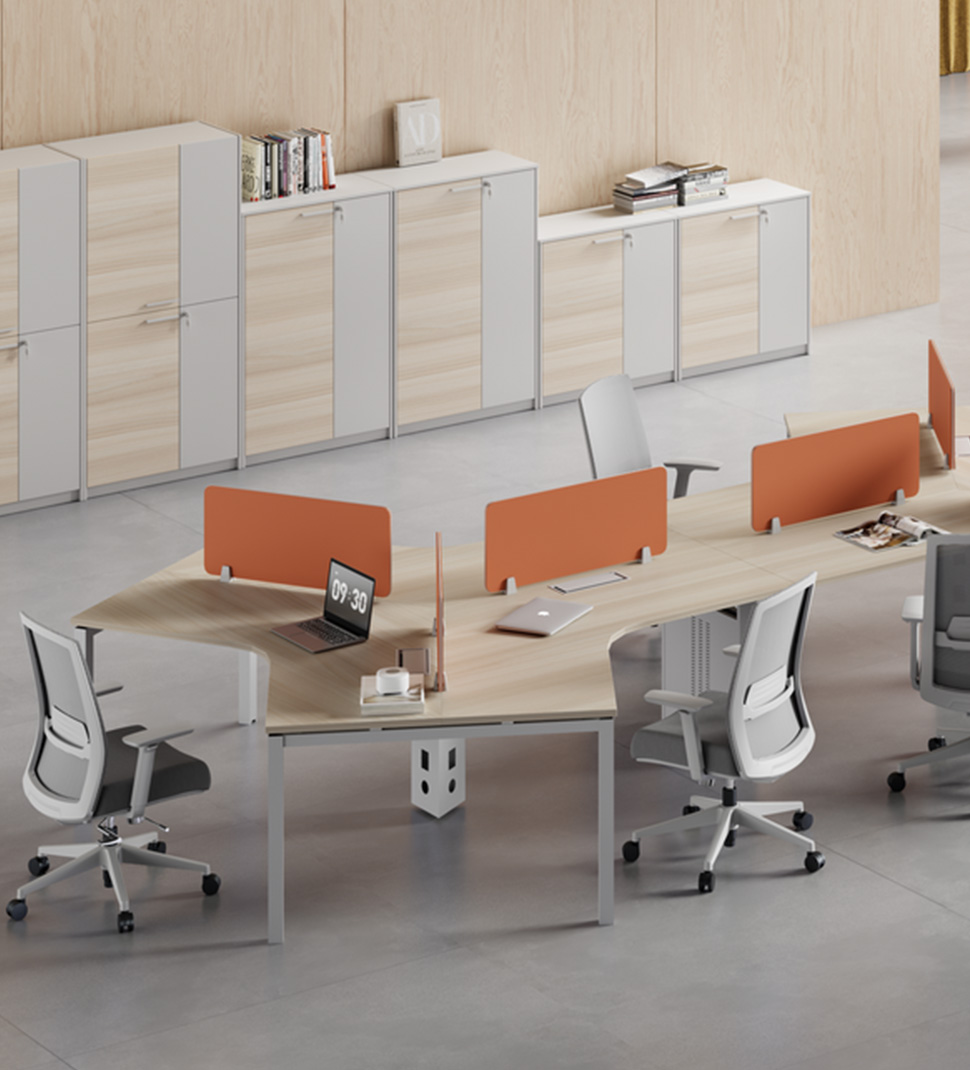
Sustainable surfaces, built to last.
Our melamine wood tabletops offer the perfect blend of durability, style, and environmental responsibility. Crafted with FSC-certified wood substrates, they ensure your office choices support sustainable forest management. The tough melamine surface resists scratches, stains, and daily wear, while providing a modern, professional finish that’s easy to maintain.
All our metal components feature an environmentally friendly baking varnish or powder-coated process, resulting in a smooth, uniform finish with excellent wear and corrosion resistance.

White

Silver Gray

Black

unlocking potential, delivering excellence
With focus on inspiring ideas and turning into productivity
Leadcom transforms your workforce with innovative office furniture solutions designed for modern workplaces. We combine cutting-edge research, rigorous testing, and affordable solutions. From design to delivery, we create superior spaces on time, on budget, and beyond expectations. Elevate your workspace with Leadcom’s reliable, versatile, and high-quality furniture.
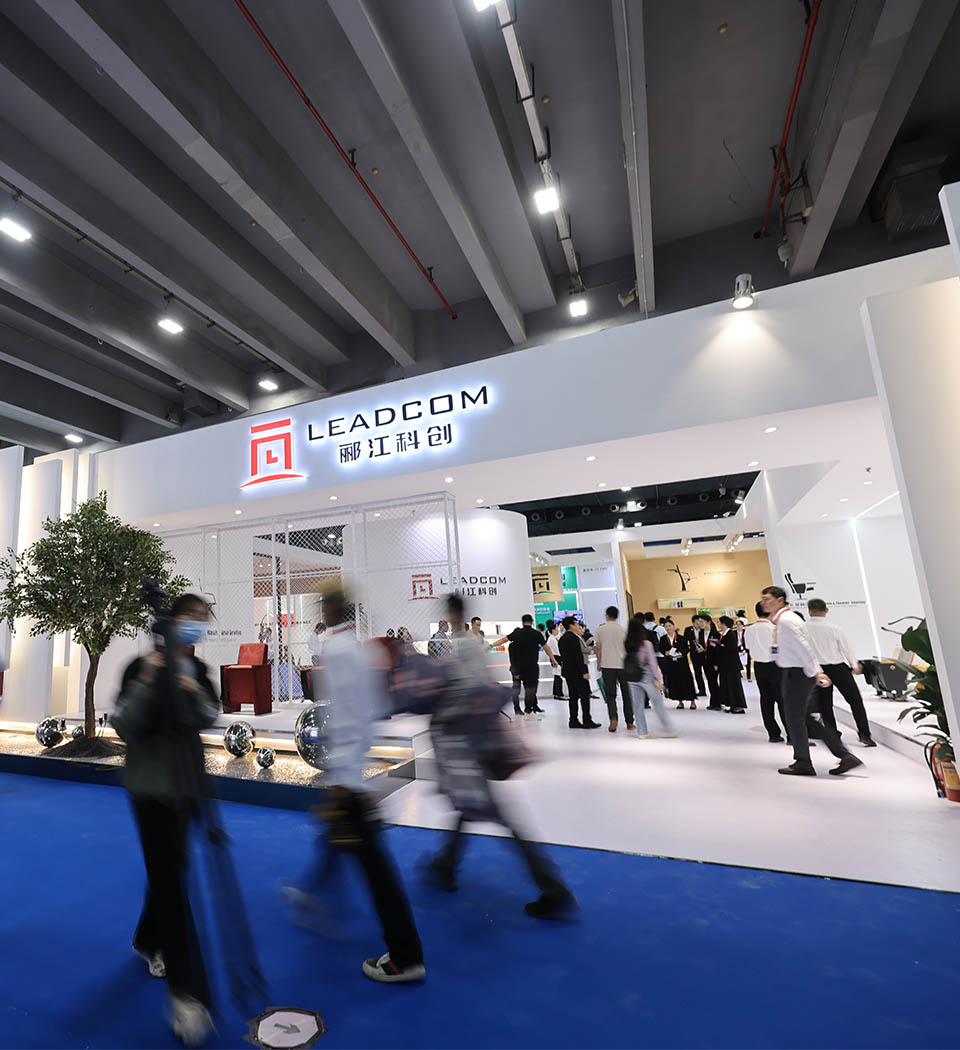
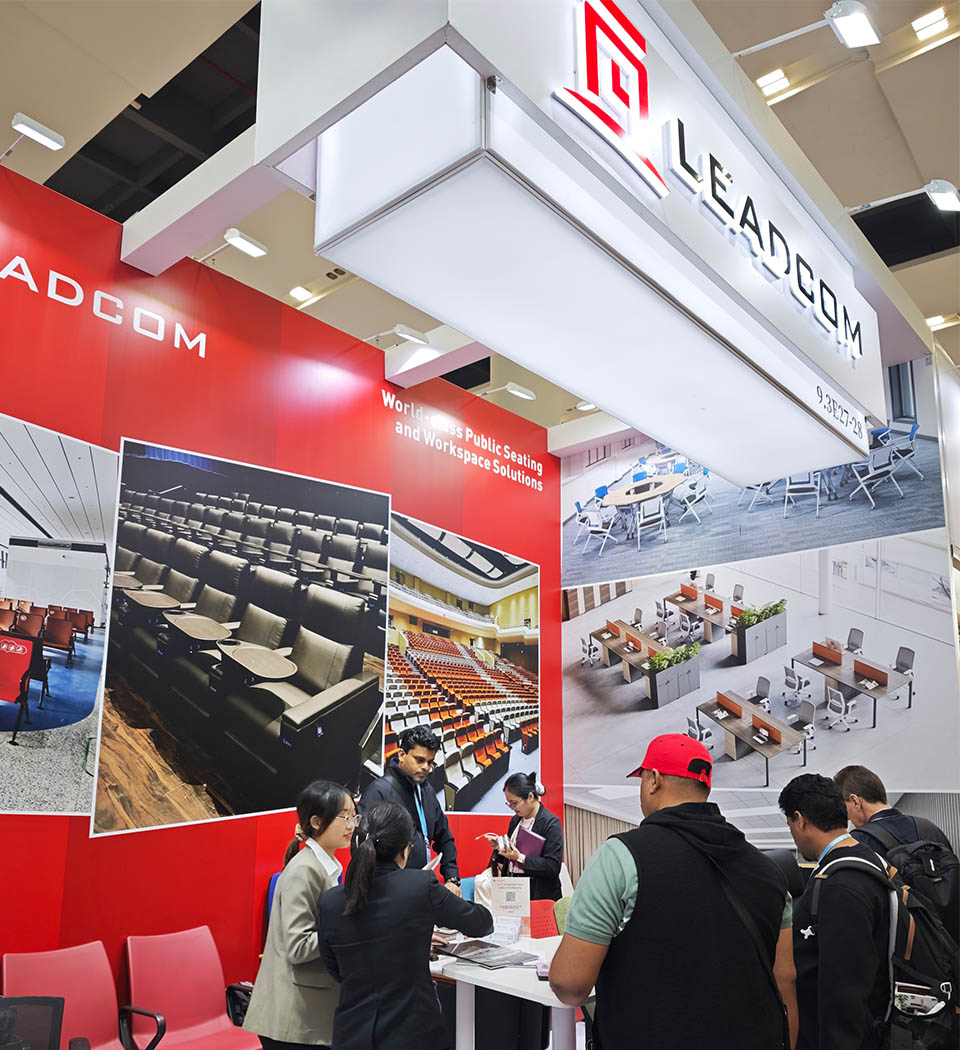
Committed to customer satisfaction by offering innovative products.
Years of experience & expertise
Beyond Just a Manufacturer
Comprehensive One-stop Service
As leading office workstation manufacturers, we provide full lifecycle support, from concept to installation, covering layout planning, quality-controlled production, global logistics (door-to-door delivery), and professional on-site installation for every workstation desk office solution.
How do we work together?

Product Selection
Choose the model or specifications.
Duration: 1 week, highly variable

Finish Selection
Choose the final appearance, such as color, coating, or texture.
Duration: 1-3 days

Drawings
Create or update technical drawings for approval.
Duration: 1-2 days per revision

Quote Supplied
Provide you with formal price based on final specifications.
Duration: 1-2 days

Customer Sign-off
Final written approval of the quote and details, order confirmation.
Duration: 1-3 days

Order Entry
The approved order is officially entered into the production system.
Duration: 1-2 days

Manufacturing
Full production and quality control of the product (core production phase)
Duration: 4-5 weeks

Shipping
Final packaging and delivery.
Duration: depends on the final location and chosen shipping method

